SQL, Python, data visualization, web development, technical writing
CSS exercises—Frontend Mentor
The exercises below are via Frontend Mentor, which is a site that provides real-world-inspired challenges for anyone looking to improve their frontend skills. They provide project specifications, any necessary images or graphics, and mock-ups of what the final design should look like. It is up to me to write all of the code.
These are primarily exercises in CSS, though, as noted below, JavaScript was sometimes included. It was also, of course, an opportunity to practice HTML. To that end, I provide below not only a link to the actual page I built, but direct links to each project's CSS file. I also include links to the GitHub repository for each project, and the project specifications at Frontend Mentor.
News homepage
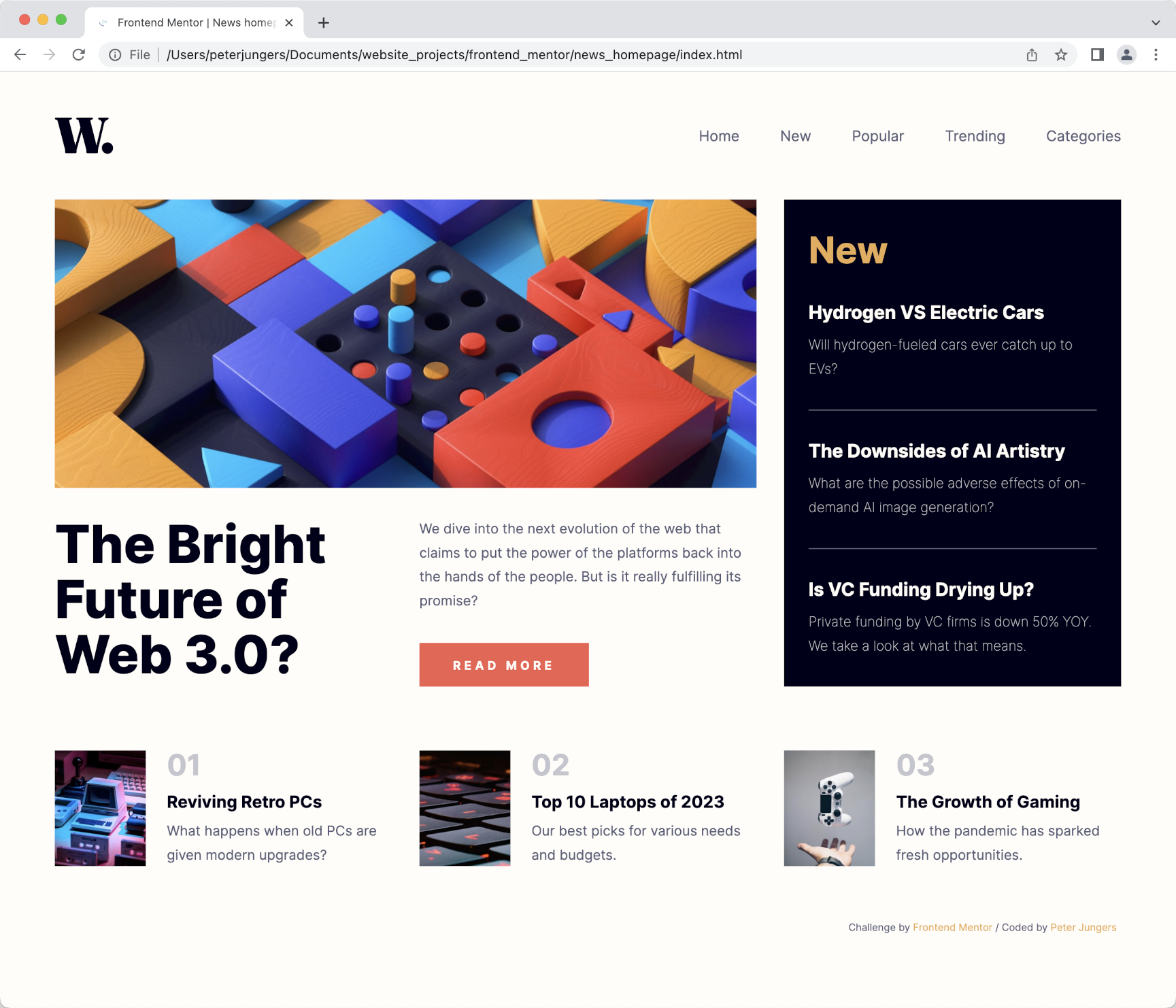
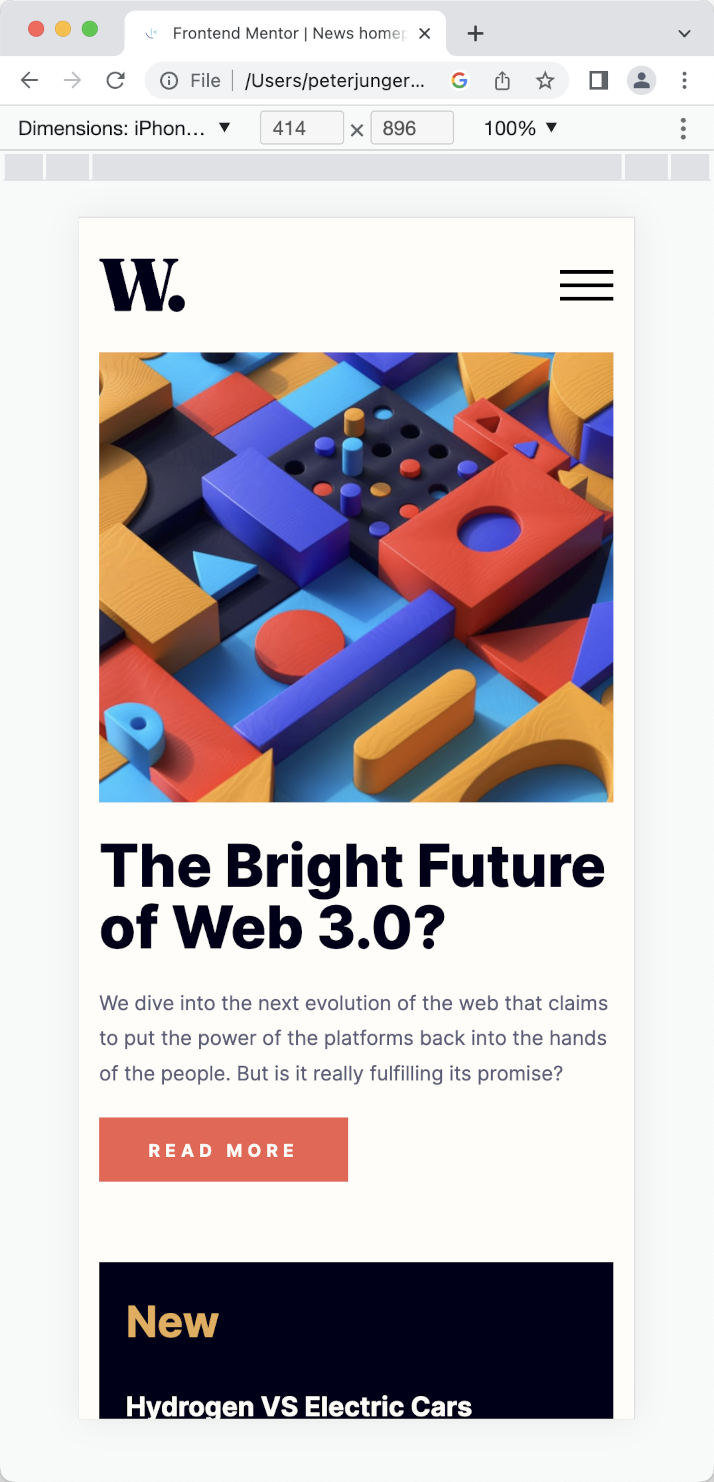
The specifications for the “News homepage” project required only desktop and mobile versions of the page—I felt it was appropriate to also design for a tablet viewport. A functioning mobile dropdown using JavaScript was an optional requirement—I chose to make one. I also added details such as functionality for a thumbnail image from the site to appear when the site is linked to in an iPhone message. Images below are of my finished project.
Sunnyside agency landing page
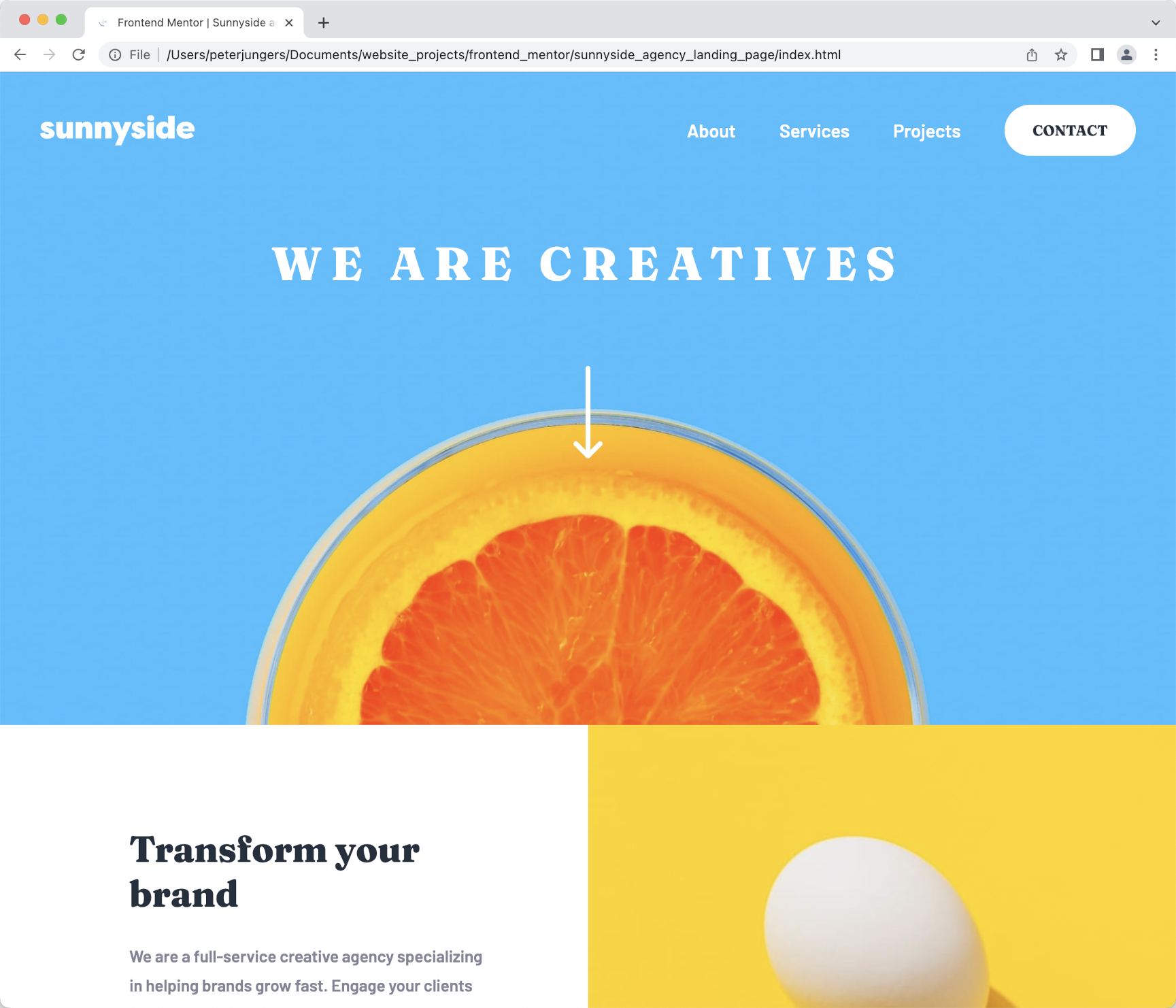
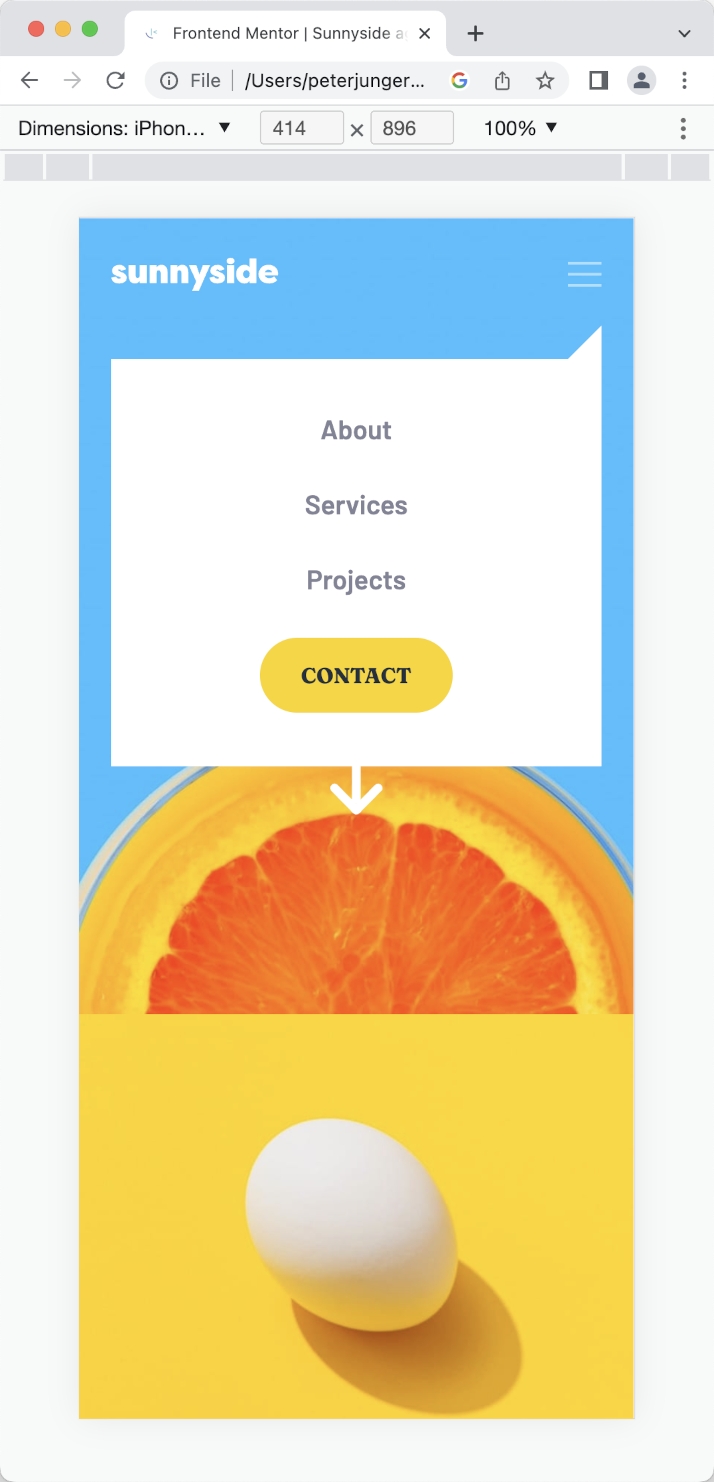
Though the JavaScript component of this challenge was a requirement, the specifications again did not require a tablet viewport version of the page. I again chose to create one in order to have the page fully responsive. As with the "News homepage", I also added iPhone message-thumbnail functionality. Images below are of my finished project.